Upload your artwork, set the size — see pieces-per-sheet instantly.
Click here or drag your file
Upload se leke apke haath mein pohanchne tak — dekhein har custom sticker order kis process se guzarta hai.
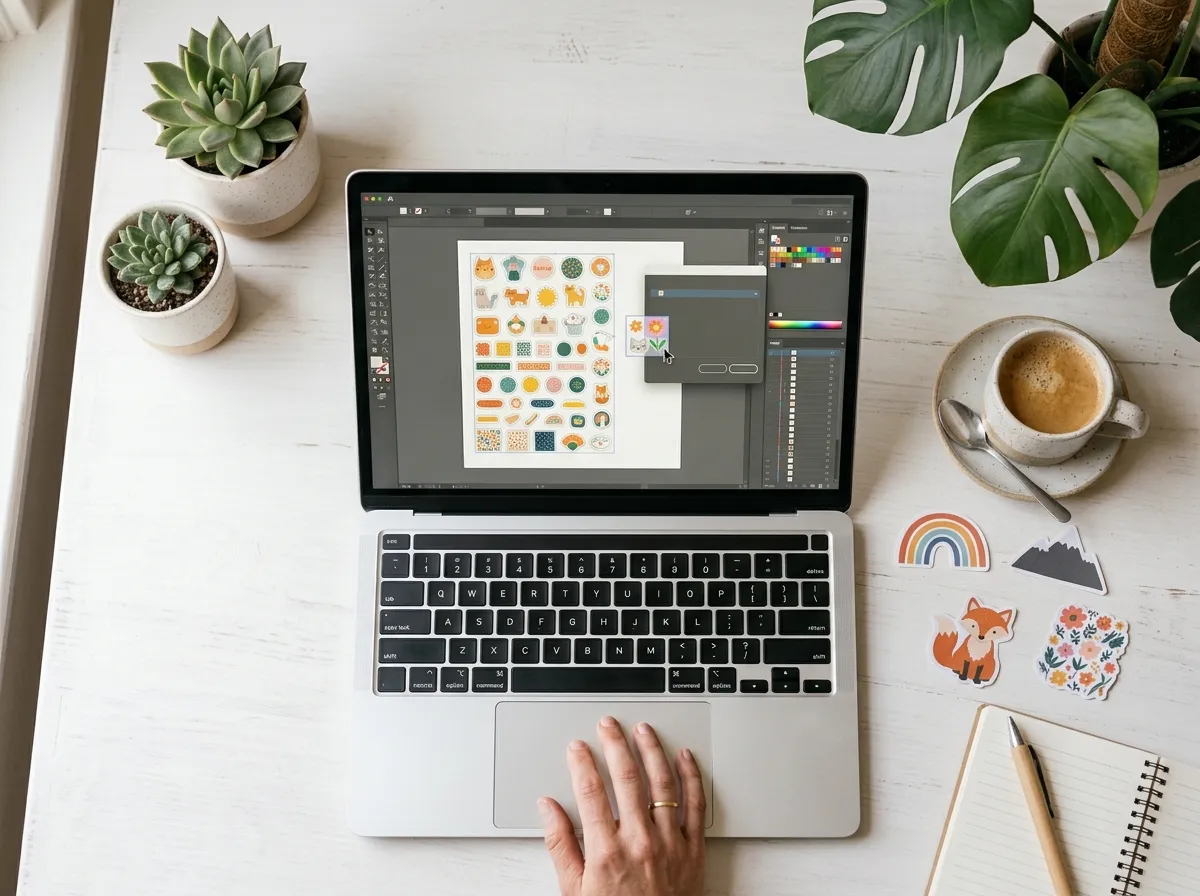
Apna logo ya artwork upload karein — hum shape, size aur sheet layout khud calculate kar dete hain.
Design ko full-color, waterproof vinyl sheet par print kiya jata hai — sharp aur fade-proof finish ke sath.
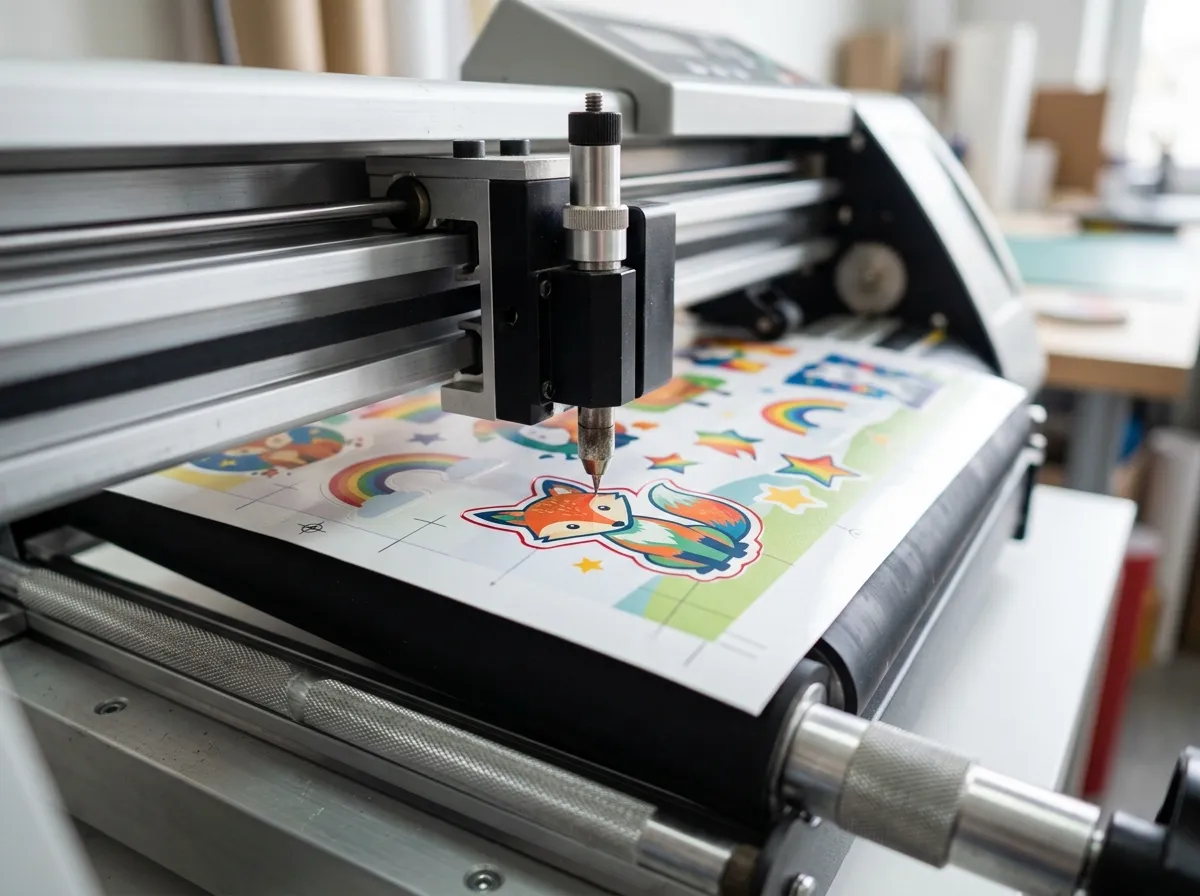
Cutting plotter design ke exact outline (red cut-line) par follow karke har sticker ko sheet se cut karta hai.
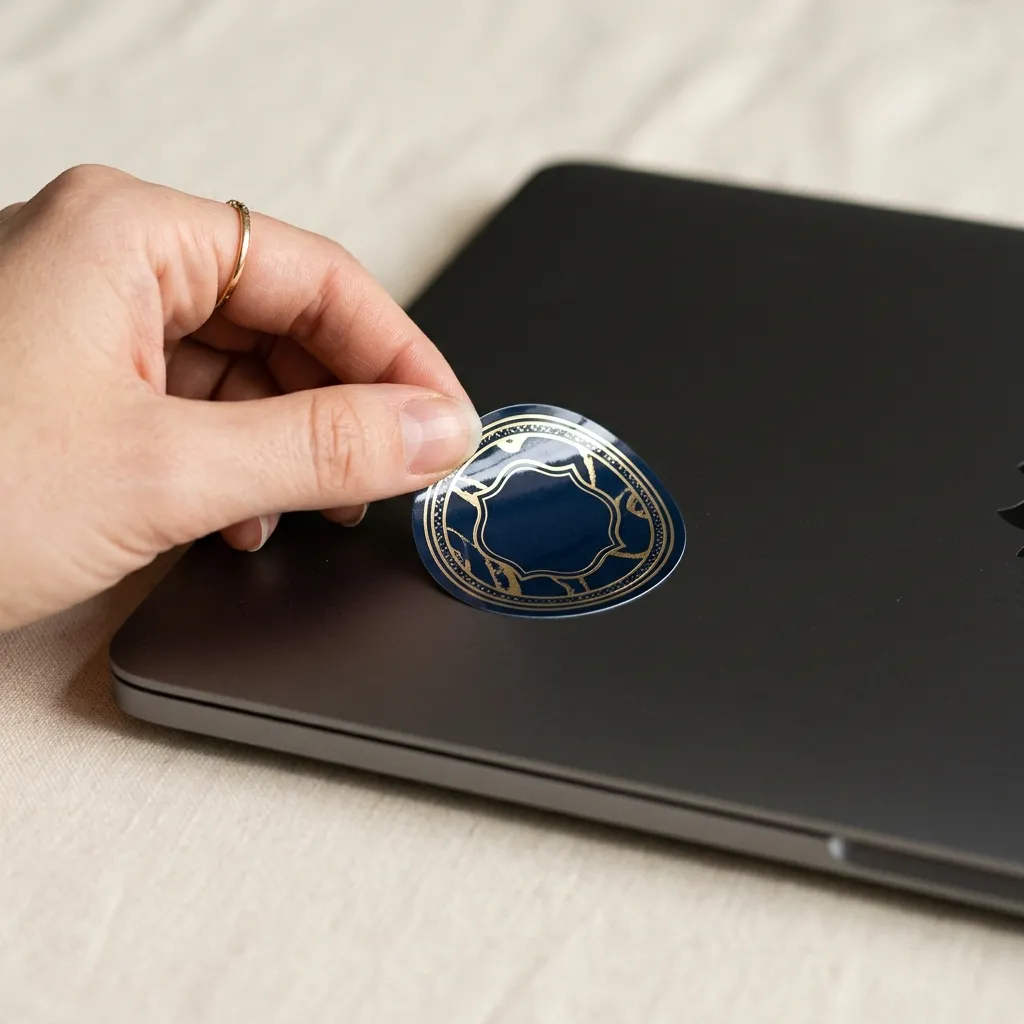
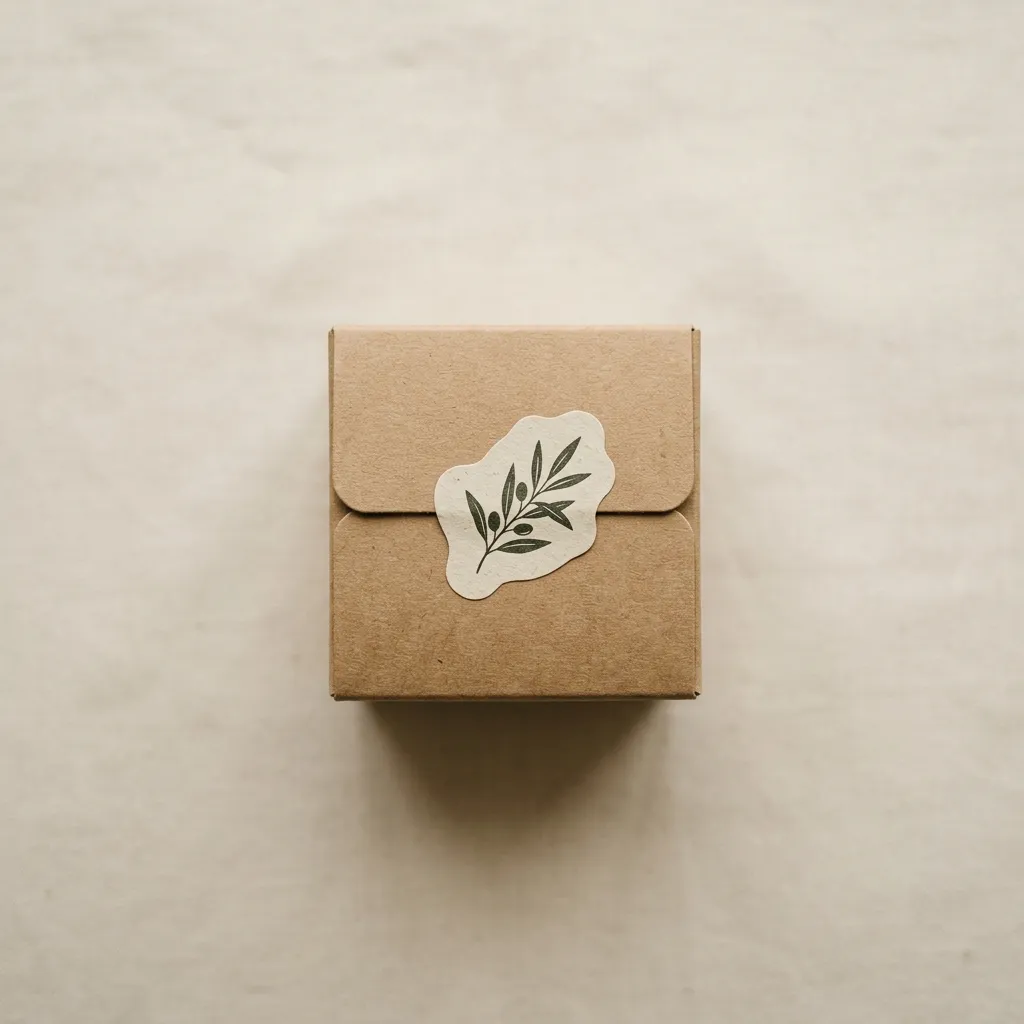
Backing paper se peel karein aur laptop, packaging, ya kisi bhi surface par foran laga lein.
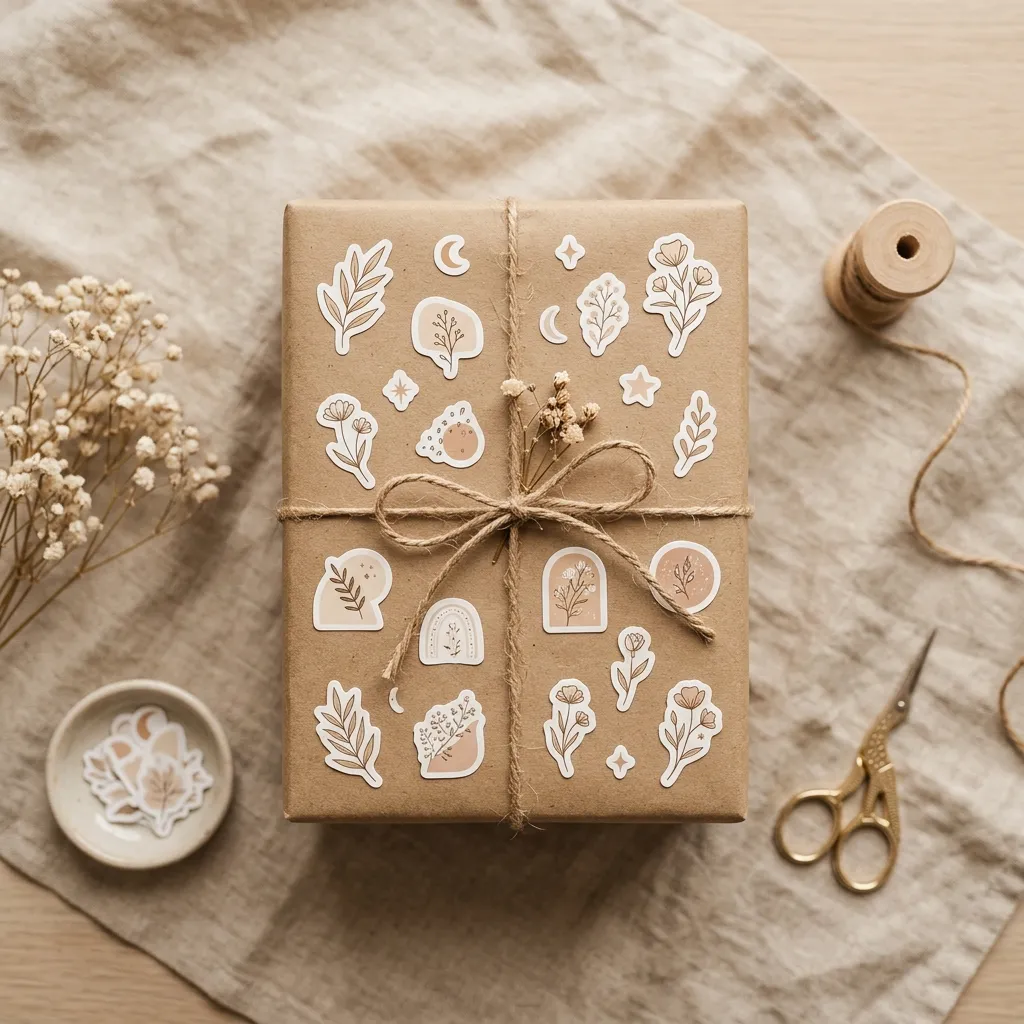
Custom stickers have become one of the most affordable and effective ways for brands, small businesses, and individuals to stand out. Whether you need custom logo stickers for product packaging, die-cut stickers for a merchandise drop, or a simple sticker sheet for personal projects, understanding how sticker printing and cutting works helps you get a better result the first time.
Die-cut stickers are cut precisely along the outline of your design, rather than being left as a plain square or rectangle. This is what gives custom shape stickers — circles, ovals, rounded rectangles, or a fully custom logo shape — their clean, professional look. Die-cutting is done with a cutting plotter that follows the exact vector outline of the artwork after printing.
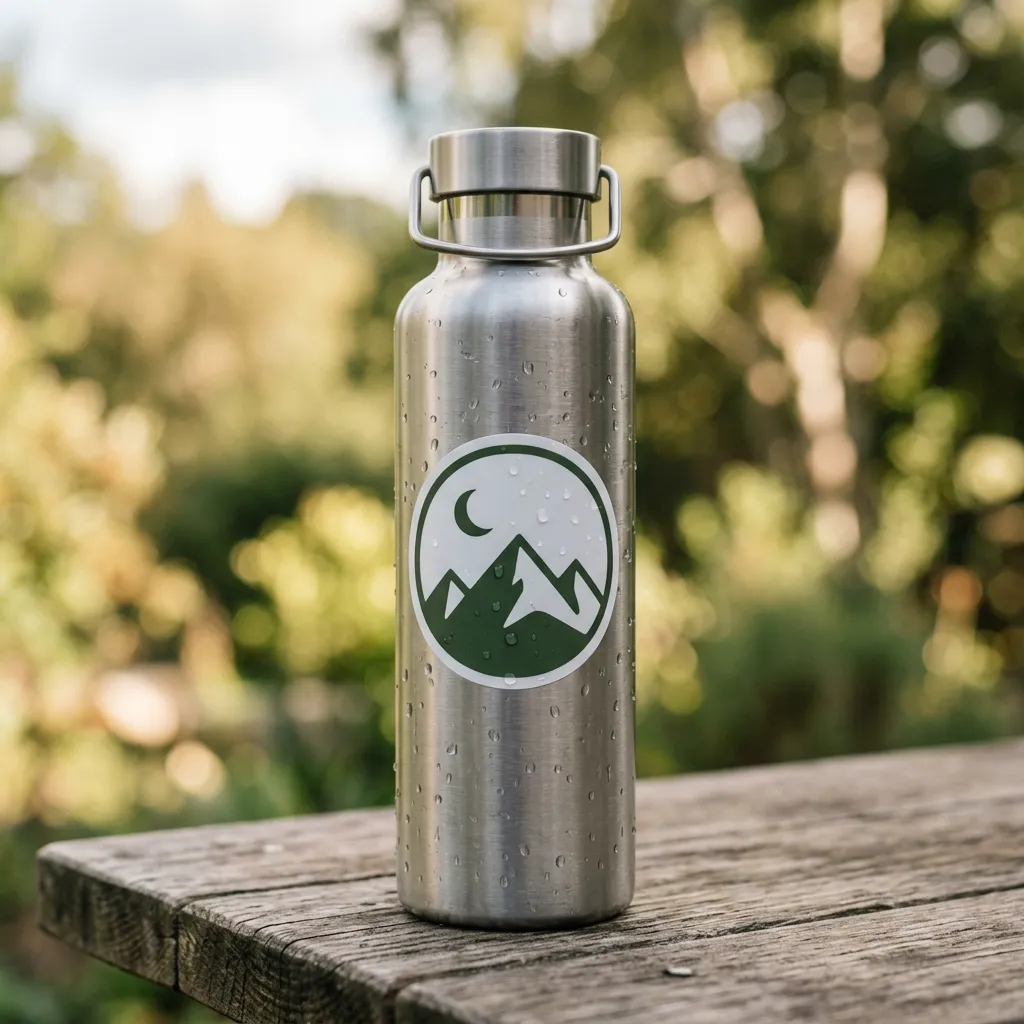
Most custom stickers ordered for branding, laptops, water bottles, or outdoor use are printed on waterproof vinyl rather than paper. Vinyl stickers resist water, sunlight, and scratching far better, making them the standard choice for durable, long-lasting stickers.
Sticker pricing is usually based on how many pieces fit on a single print sheet — not just the sticker size alone. Smaller designs allow more pieces per sheet, which lowers the cost per sticker, while larger or irregular custom shapes use more sheet space. This is exactly why a live sheet-layout calculator, like the one above, is useful before placing a bulk sticker order.
Always upload a high-resolution version of your original design — low-quality images look fine on screen but print blurry once enlarged onto a sticker sheet. Keep your minimum sticker size practical (generally no smaller than 0.75 inch) so fine details in the design remain legible after cutting, and double-check your shape and size before placing a bulk order.